Medlify
UX/UI Design | App Design

Client:
Case Study
Role:
Product Designer
Year:
2026
Tools:
Figma | Figma Make | FigJam | Miro | Claude AI
When people feel unwell and can't immediately reach a doctor, they face a choice: wait anxiously, search the internet and spiral, or make a guess about which medication to take and how. None of these options are good enough. Medlify was built to change that.


Explore the full story –
WHY?
Healthcare apps are built for clinicians, not patients. People receive lab results and medication instructions in clinical language that creates anxiety instead of clarity. I set out to design Medlify around a single question: what would it take for someone to actually understand and trust their own health information?
Challenge
Medlify had to serve two opposing audiences with one system. Anxious patients needing warmth and plain language, and time-pressed clinicians needing density and speed. Early heuristic evaluation also surfaced critical safety gaps: no error states, no undo for destructive actions, and free-text medication entry risking dosage mistakes.
Solution
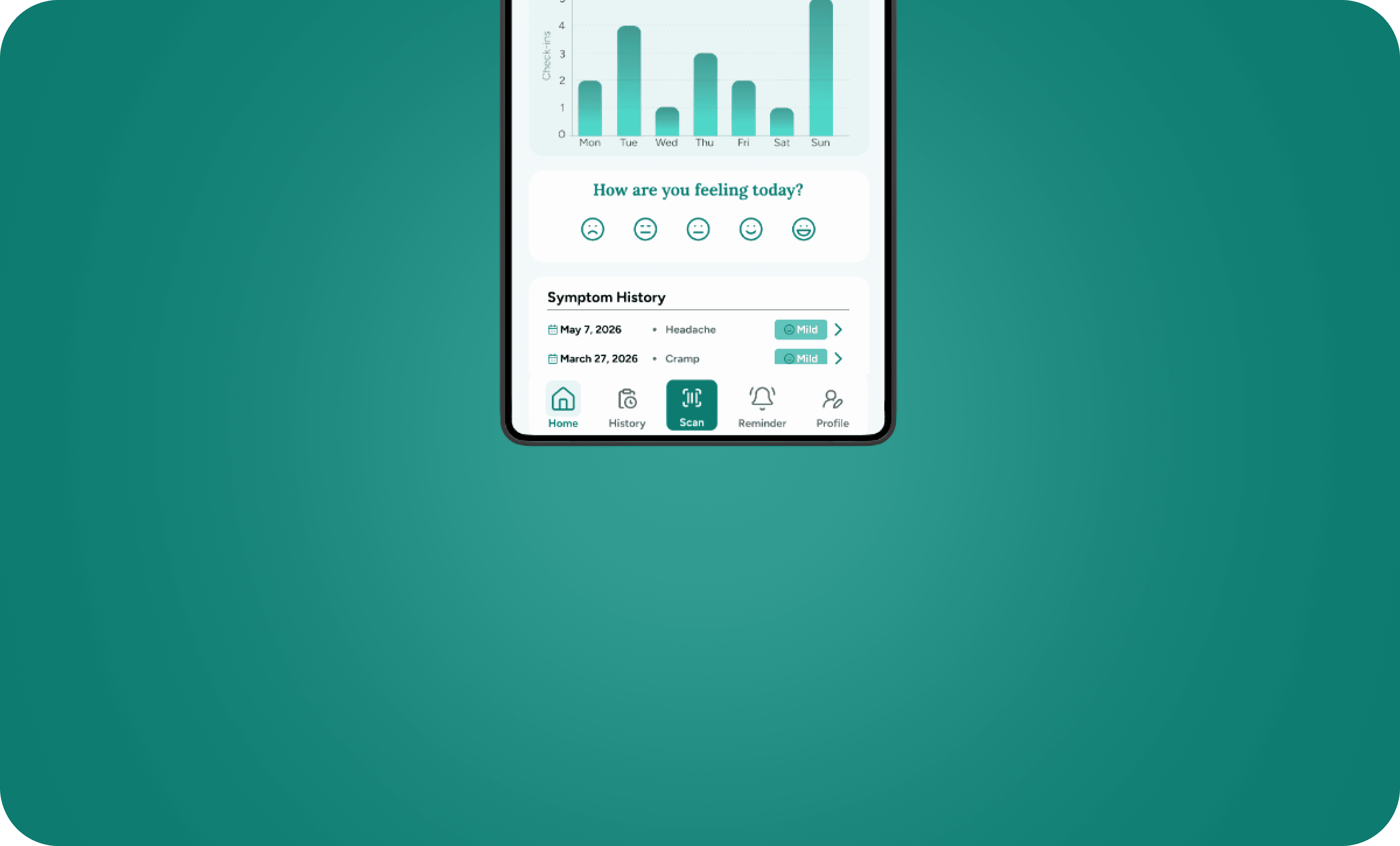
I built a single flexible design system: Figtree for clarity and warmth, JetBrains Mono for clinical data accuracy, and a semantic teal-based color system separating routine from urgent information. Plain-language explainers replace raw clinical values, and a prioritized fix list addresses every safety-critical heuristic gap before visual polish.



Moderated remote sessions tested 3 participant types (tech-comfortable patient, low-literacy patient, clinician) across 5 core tasks - onboarding, booking, reading lab results, setting medication reminders, and finding urgent help using a think-aloud protocol and SUS scoring.
Next, I'll ship the critical fixes like error states, undo flows, verified drug search then re-test with all three participant groups to validate.